
Perlin Noise Generator
Perlin Noise Generator is a free online tool to generate perlin noise images.
How to generate a perlin noise image
- Choose the image width and height (in pixels).
- Choose color #1 and color #2. You can type the hexadecimal code or use the color picker.
- Choose the grid size.
- The image will be automatically generated in the canvas.
- Click the button "download image" to download the image in PNG format.
Options
Generated image:
Examples
Below are some examples of images generated with this online tool.
| Image | Parameters |
|---|---|
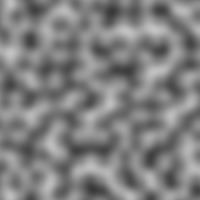 | Color #1: #000000 Color #2: #ffffff Image width: 200 Image height: 200 Grid size: 20 |
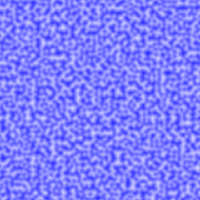 | Color #1: #0000FF Color #2: #ffffff Image width: 200 Image height: 200 Grid size: 5 |
 | Color #1: #FF0000 Color #2: #FFFF00 Image width: 200 Image height: 200 Grid size: 40 |